
 魓魖魒魎鬾魕
一、项目介绍
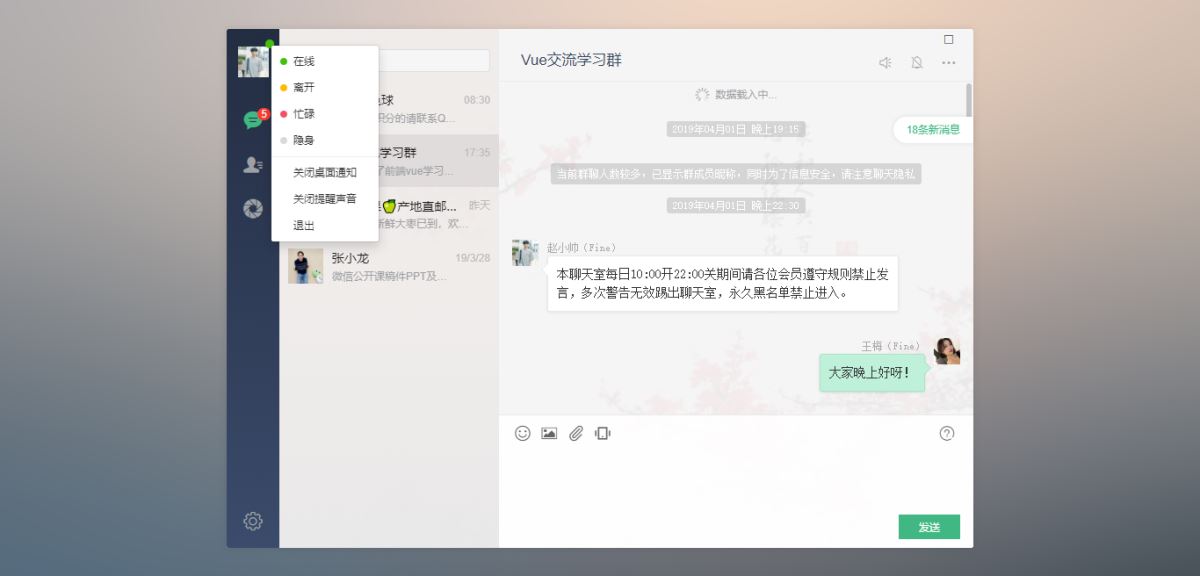
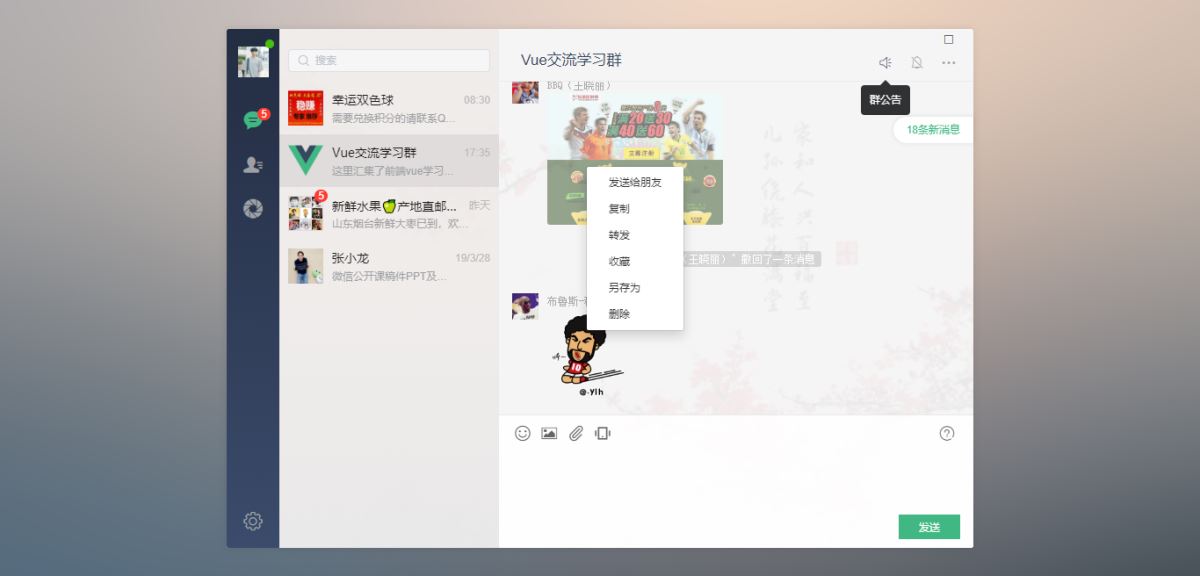
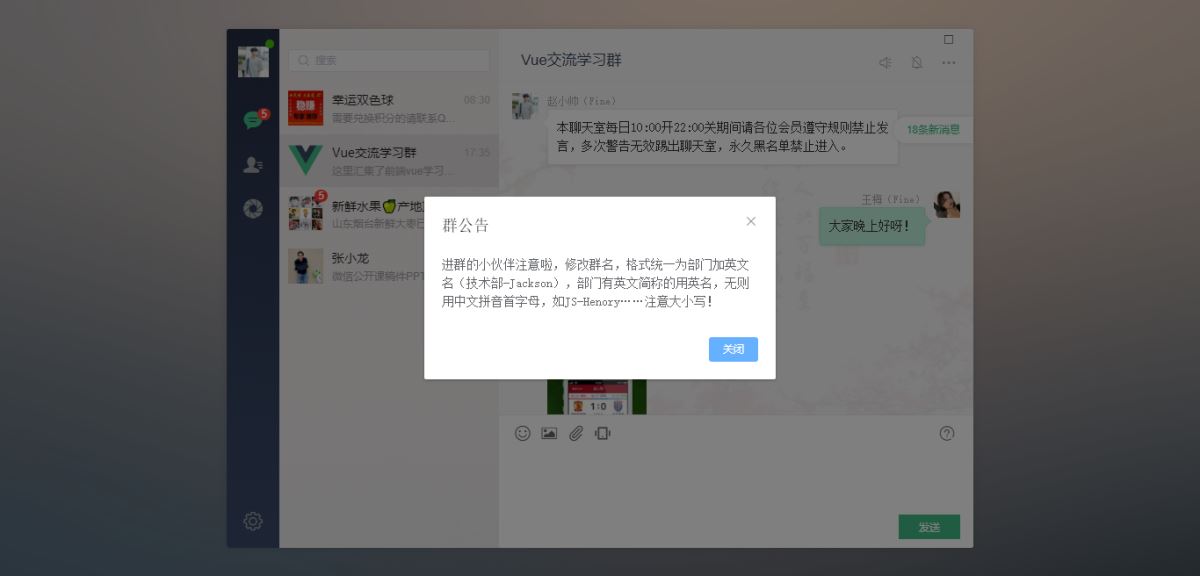
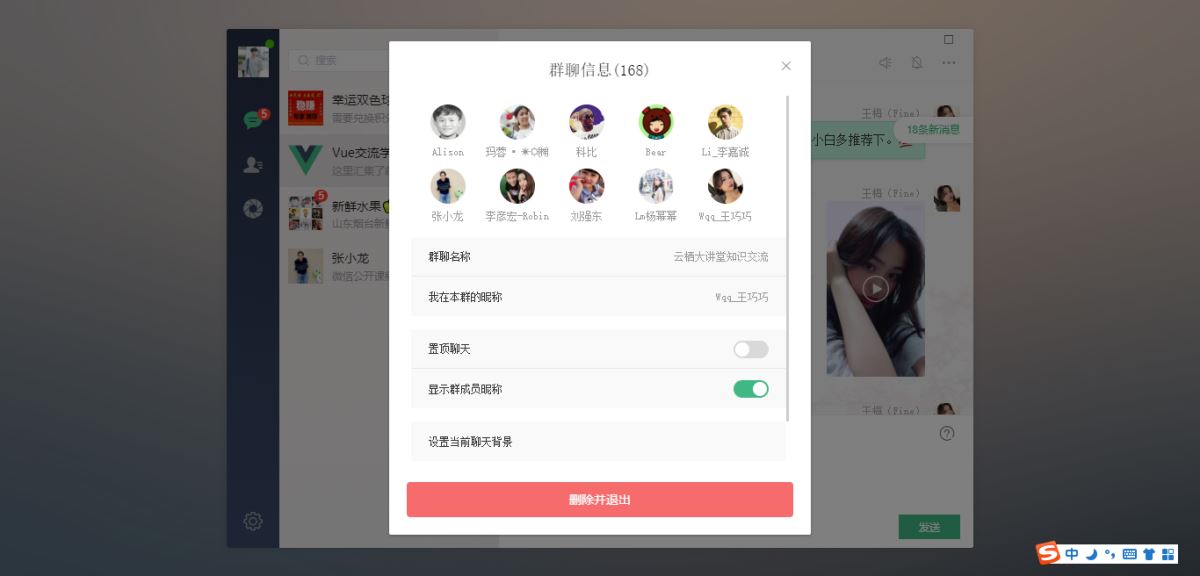
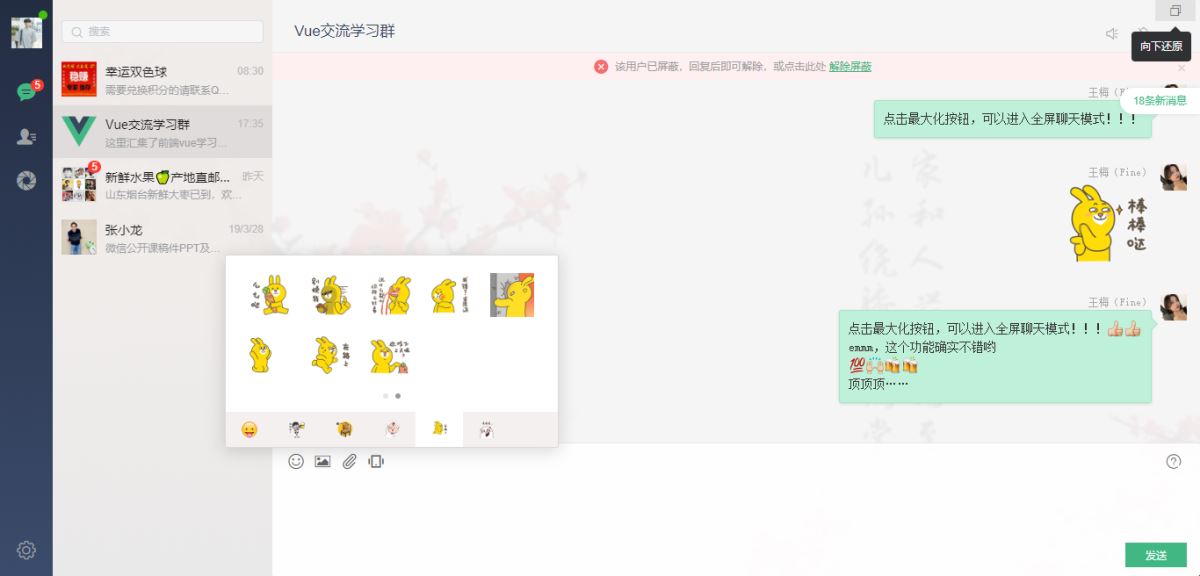
基于vue2.5.6+vuex+vue-cli+vue-router+vue-gemini-scrollbar+swiper+elementui等技术混合架构开发的仿微信web端聊天室——vuewebchat,实现了发送消息、表情(动图),图片、视频预览,右键菜单、截屏、截图可直接粘贴至文本框进行发送。
二、技术框架
•mvvm框架:vue2.5.6
•状态管理:vuex
•页面路由:vue-router
•iconfont图标:阿里巴巴字体图标库
•自定义滚动条:vue-gemini-scrollbar
•弹窗组件:element-ui(饿了么前端ui库)
•环境配置:node.js + cnpm + webpack
•高德地图:vue-amap
•图片预览:vue-photo-preview



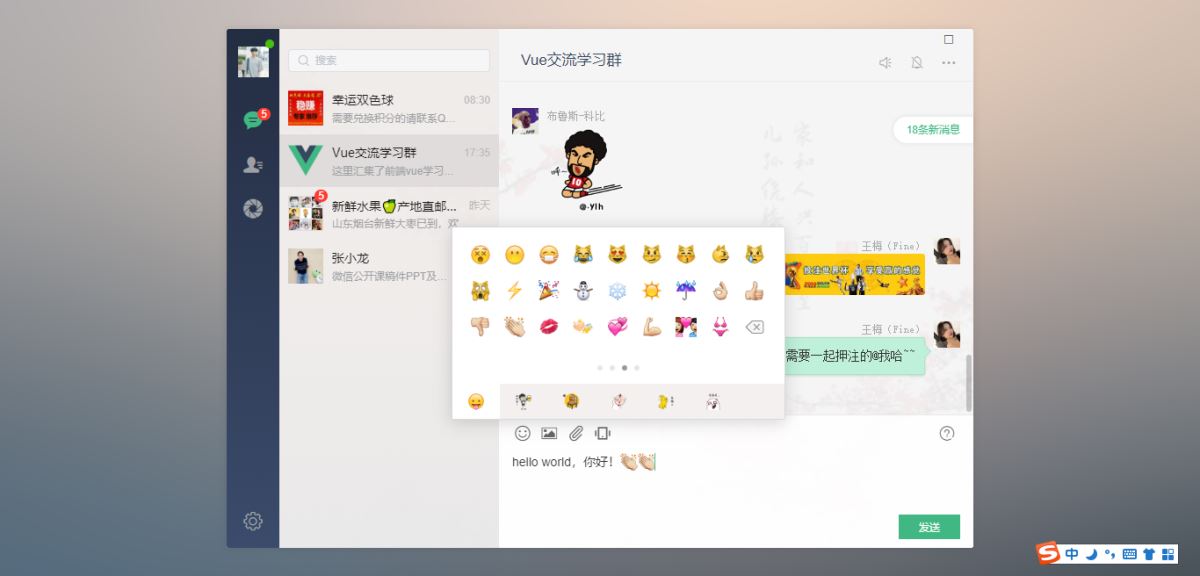
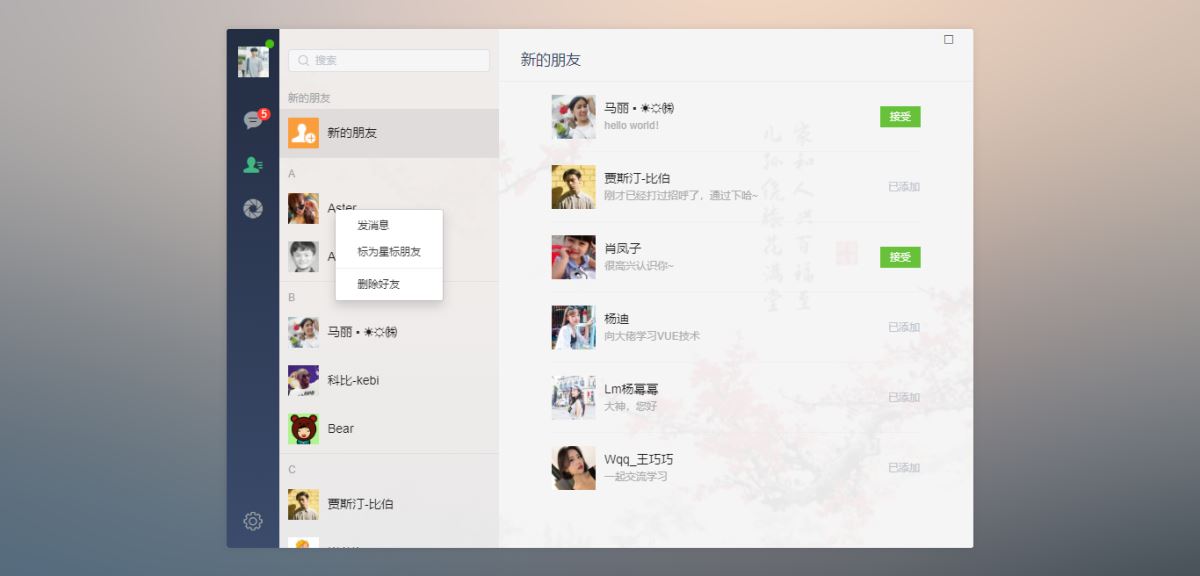
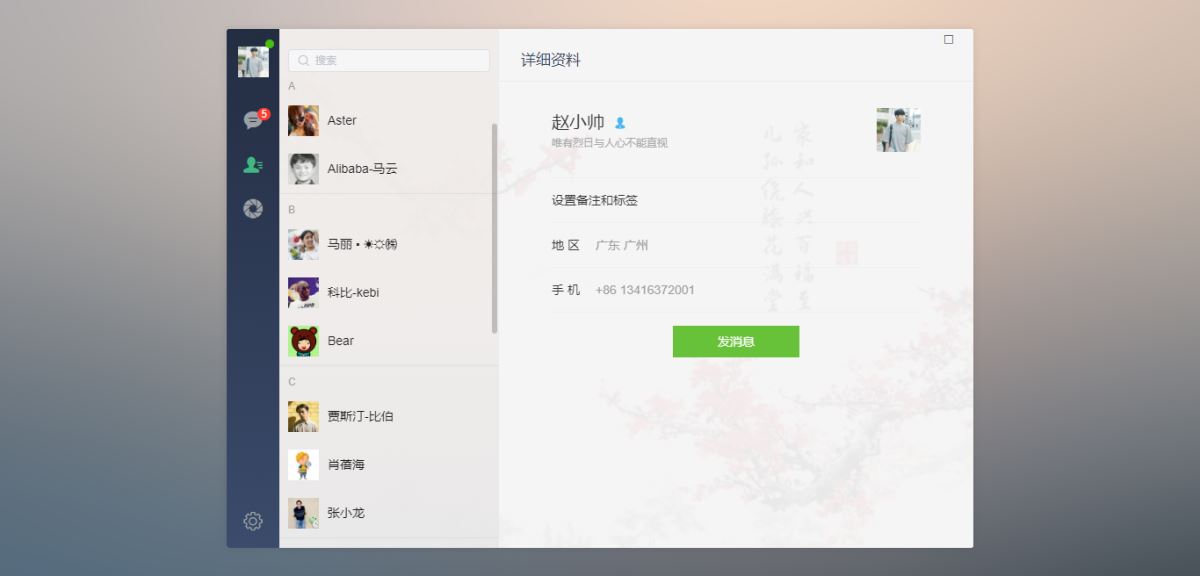
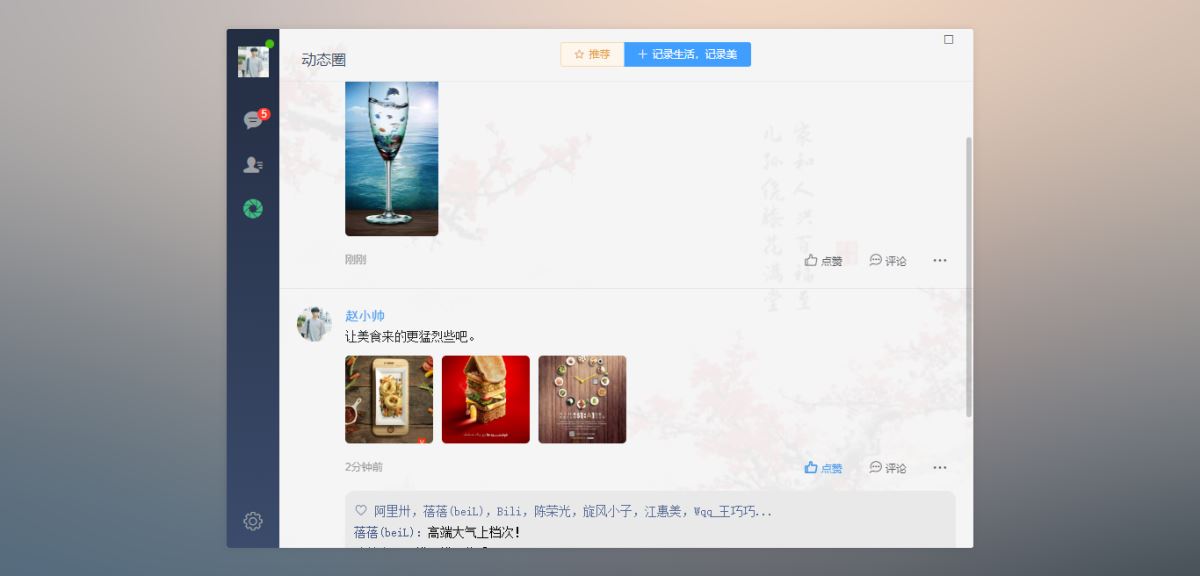
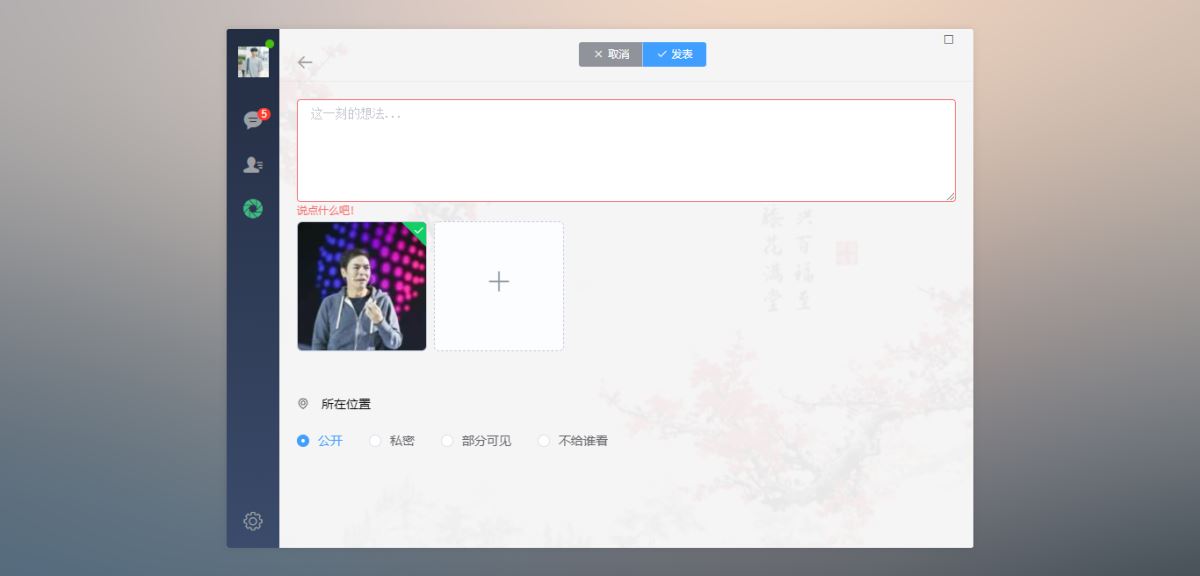
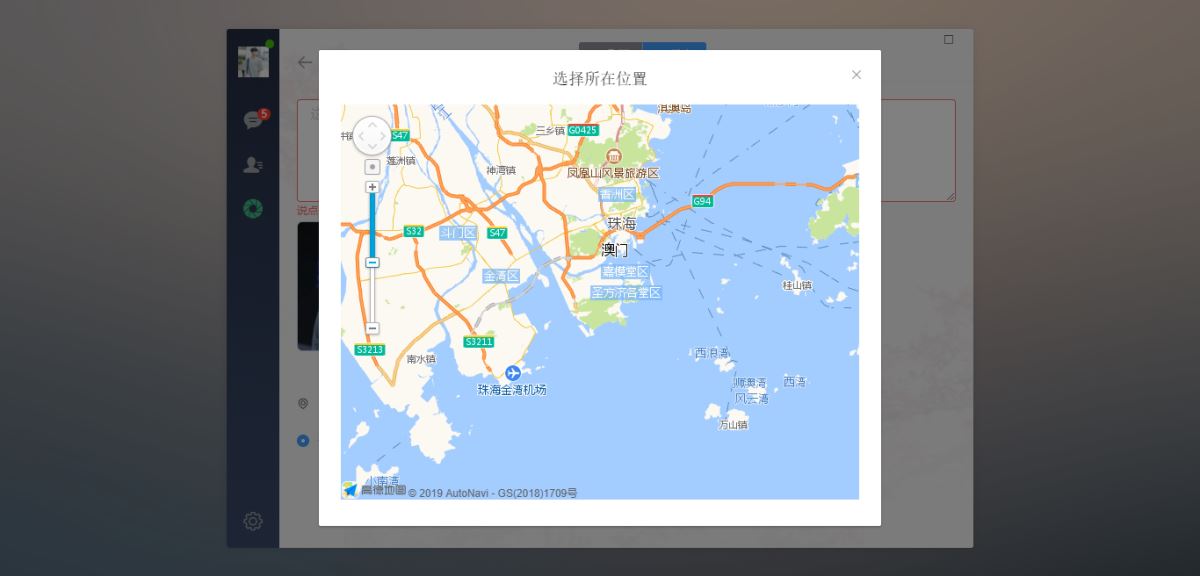
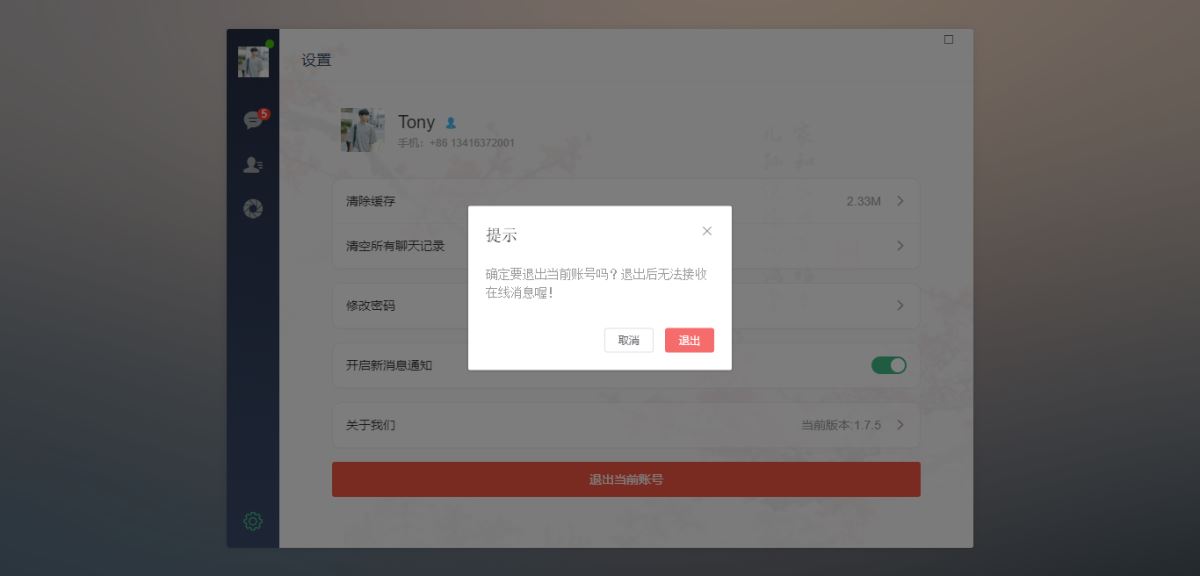
◆ 点击右上角最大化按钮,可以进行全屏切换
◆ 引入公共及全局组件配置components.js
/*
 引入公共及全局组件配置
*/
// 引入侧边栏及联系人
import winbar from './components/winbar'
import sidebar from './components/sidebar'
import recordlist from './components/recordlist'
import contactlist from './components/contact'
// 引入jquery
import $ from 'jquery'
// 引入wcpop弹窗插件
import wcpop from './assets/js/wcpop/wcpop'
import './assets/js/wcpop/skin/wcpop.css'
// 引入饿了么pc端ui库
import elementui from 'element-ui'
import 'element-ui/lib/theme-chalk/index.css'
// 引入图片预览插件
import photopreview from 'vue-photo-preview'
import 'vue-photo-preview/dist/skin.css'
// 引入自定义滚动条插件
import geminiscrollbar from 'vue-gemini-scrollbar'
// 引入加载更多插件
import infiniteloading from 'vue-infinite-scroll'
// 引入高德地图
import vueamap from 'vue-amap'
const install = vue => {
 // 注册组件
 vue.component('win-bar', winbar)
 vue.component('side-bar', sidebar)
 vue.component('record-list', recordlist)
 vue.component('contact-list', contactlist)
 // 应用实例
 vue.use(elementui)
 vue.use(photopreview, {
  loop: false,
  fullscreenel: true, //是否全屏
  arrowel: true, //左右按钮
 });
 vue.use(geminiscrollbar)
 vue.use(infiniteloading)
 vue.use(vueamap)
 vueamap.initamapapiloader({
  key: "e1dedc6bdd765d46693986ff7ff969f4",
  plugin: [
   "amap.autocomplete", //输入提示插件
   "amap.placesearch", //poi搜索插件
   "amap.scale", //右下角缩略图插件 比例尺
   "amap.overview", //地图鹰眼插件
   "amap.toolbar", //地图工具条
   "amap.maptype", //类别切换控件,实现默认图层与卫星图、实施交通图层之间切换的控制
   "amap.polyeditor", //编辑 折线多,边形
   "amap.circleeditor", //圆形编辑器插件
   "amap.geolocation" //定位控件,用来获取和展示用户主机所在的经纬度位置
  ],
  uiversion: "1.0"
 });
}
export default install
◆ 主页面模板
<template>
 <div id="app">
 <div class="vchat-wrapper flexbox flex-alignc">
  <div class="vchat-panel" style="background-image: url(src/assets/img/placeholder/vchat__panel-bg01.jpg);">
  <div class="vchat-inner flexbox">
   <!-- //顶部按钮(最大、最小、关闭) -->
   <win-bar></win-bar>
   <!-- //侧边栏 -->
   <side-bar></side-bar>
   <keep-alive>
   <router-view class="flex1 flexbox"></router-view>
   </keep-alive>
  </div>
  </div>
 </div>
 </div>
</template>
<script>
export default {
 name: 'app',
 data () {
 return {
 }
 },
 methods: {
 },
}
</script>
<style>
/* 引入公共样式 */
@import './assets/fonts/iconfont.css';
@import './assets/css/reset.css';
@import './assets/css/layout.css';
</style>
◆ vue文本框实现截图粘贴发送图片:
// 【截图粘贴图片】
document.getelementbyid('j__wceditor').addeventlistener('paste',function(e){
 var cbd = e.clipboarddata;
 var ua = window.navigator.useragent;
 // 没有数据
 if (!(e.clipboarddata && e.clipboarddata.items)) {
  return;
 }
 // mac平台下chrome49版本以下 复制finder中的文件的bug hack掉
 if(cbd.items && cbd.items.length === 2 && cbd.items[0].kind === "string" && cbd.items[1].kind === "file" &&
  cbd.types && cbd.types.length === 2 && cbd.types[0] === "text/plain" && cbd.types[1] === "files" &&
  ua.match(/macintosh/i) && number(ua.match(/chrome/(\d{2})/i)[1]) < 49){
  return;
 }
 for(var i = 0; i < cbd.items.length; i++){
  var item = cbd.items[i];
  console.log(item);
  console.log(item.kind);
  if(item.kind == "file"){
   var blob = item.getasfile();
   if(blob.size === 0){
    return;
   }
   // 插入图片记录
   var reader = new filereader();
   reader.readasdataurl(blob);
   reader.onload = function(){
    var _img = this.result;
    var _tpl = [
     '<li class="me">\
      <div class="content">\
       <p class="author">王梅(fine)</p>\
       <div class="msg picture"><img class="img__pic" src="'+ _img + '" preview="1" /></div>\
      </div>\
      <a class="avatar" ><img src="src/assets/img/uimg/u__chat-img11.jpg" /></a>\
     </li>'
    ].join("");
    $("#j__chatmsglist").append(_tpl);
    settimeout(() => {
     $("#j__geminiscrollbar .gm-scroll-view").animate({ scrolltop: $("#j__chatmsglist").height() }, 0);
     $(".fixgeminiscrollheight").show();
     settimeout(() => { $(".fixgeminiscrollheight").hide();}, 300);
    }, 17);
   }
  }
 }
});
◆ 表情处理及视频预览:
// >>> 【表情、动图swiper切换模块】--------------------------
var emotionswiper;
function setemotionswiper(tmpl) {
 var _tmpl = tmpl ? tmpl : $("#j__emotionfoottab ul li.cur").attr("tmpl");
 $("#j__swiperemotion .swiper-container").attr("id", _tmpl);
 $("#j__swiperemotion .swiper-wrapper").html($("." + _tmpl).html());
 emotionswiper = new swiper('#' + _tmpl, {
  // loop: true,
  // autoplay: true,
  // 分页器
  pagination: {
   el: '.pagination-emotion', clickable: true,
  },
 });
}
// 表情模板切换
$("body").on("click", "#j__emotionfoottab ul li.swipertmpl", function () {
 // 先销毁swiper
 emotionswiper && emotionswiper.destroy(true, true);
 var _tmpl = $(this).attr("tmpl");
 $(this).addclass("cur").siblings().removeclass("cur");
 setemotionswiper(_tmpl);
});
// >>> 【视频预览模块】--------------------------
$("body").on("click", "#j__chatmsglist li .video", function () {
 var _src = $(this).find("img").attr("videourl"), _video;
 var videoidx = wcpop({
  id: 'wc__previewvideo',
  skin: 'fullscreen',
  // content: '<video id="j__videopreview" width="100%" height="100%" controls="controls" x5-video-player-type="h5" x5-video-player-fullscreen="true" webkit-playsinline preload="auto"></video>',
  content: '<video id="j__videopreview" width="100%" height="100%" controls="controls" preload="auto"></video>',
  shade: false,
  xclose: true,
  style: 'background: #000;padding-top:48px;',
  anim: 'scalein',
  show: function(){
   _video = document.getelementbyid("j__videopreview");
   _video.src = _src;
   if (_video.paused) {
    _video.play();
   } else {
    _video.pause();
   }
   // 播放结束
   _video.addeventlistener("ended", function(){
    _video.currenttime = 0;
   });
   // 退出全屏
   _video.addeventlistener("x5videoexitfullscreen", function(){
    wcpop.close(videoidx);
   })
  }
 });
});
总结
以上所述是小编给大家介绍的vue+web端仿微信网页版聊天室功能,希望对大家有所帮助
