
 黄瓜-X
黄瓜-X
本文实例为大家分享了unity3d实现物体任意角度自旋转的具体代码,供大家参考,具体内容如下
主要涉及函数:
input.getaxis(“mouse x”) 可取得鼠标横向(x轴)移动增量
input.getaxis(“mouse y”) 可取得鼠标竖向(y轴)移动增量
通过勾股定理获取拖拽长度,长度越长旋转越快。在project setting--input 可以设置。
这里用cube来做例子,因为方体看旋转比较清楚,如图:
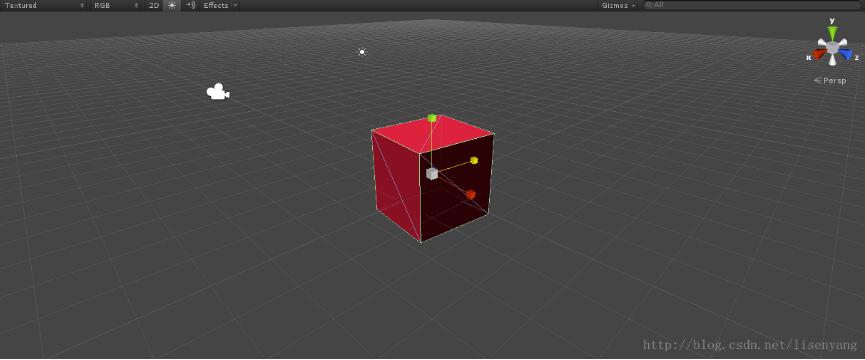
代码如下:
using unityengine;
using system.collections;

public class newbehaviourscript : monobehaviour {

 private bool ondrag = false; //是否被拖拽//
 public float speed = 6f;  //旋转速度//
 private float tempspeed;  //阻尼速度//
 private float axisx = 1;
 //鼠标沿水平方向移动的增量//
 private float axisy = 1;  //鼠标沿竖直方向移动的增量//
 private float cxy;
 void onmousedown()
 {
 //接受鼠标按下的事件//

 axisx = 0f; axisy = 0f;
 }
 void onmousedrag()   //鼠标拖拽时的操作//
 {

 ondrag = true;
 axisx = -input.getaxis("movex");
 //获得鼠标增量//
 axisy = input.getaxis("movey");
 cxy = mathf.sqrt(axisx * axisx + axisy * axisy); //计算鼠标移动的长度//
 if (cxy == 0f) { cxy = 1f; }

 }
 float rigid()   //计算阻尼速度//
 {
 if (ondrag)
 {
  tempspeed = speed;
 }
 else
 {
  if (tempspeed > 0)
  {
  tempspeed -= speed * 2 * time.deltatime / cxy; //通过除以鼠标移动长度实现拖拽越长速度减缓越慢//
  }
  else {
  tempspeed = 0;
  }
 }
 return tempspeed;
 }

 void update()
 {
 // this.transform.rotate(new vector3(axisy, axisx, 0) * rigid(), space.world); //这个是是按照之前方向一直慢速旋转
 if (!input.getmousebutton(0))
 {
  ondrag = false;
  this.transform.rotate(new vector3(axisy, axisx, 0)*0.5f, space.world);
 }
 }
}
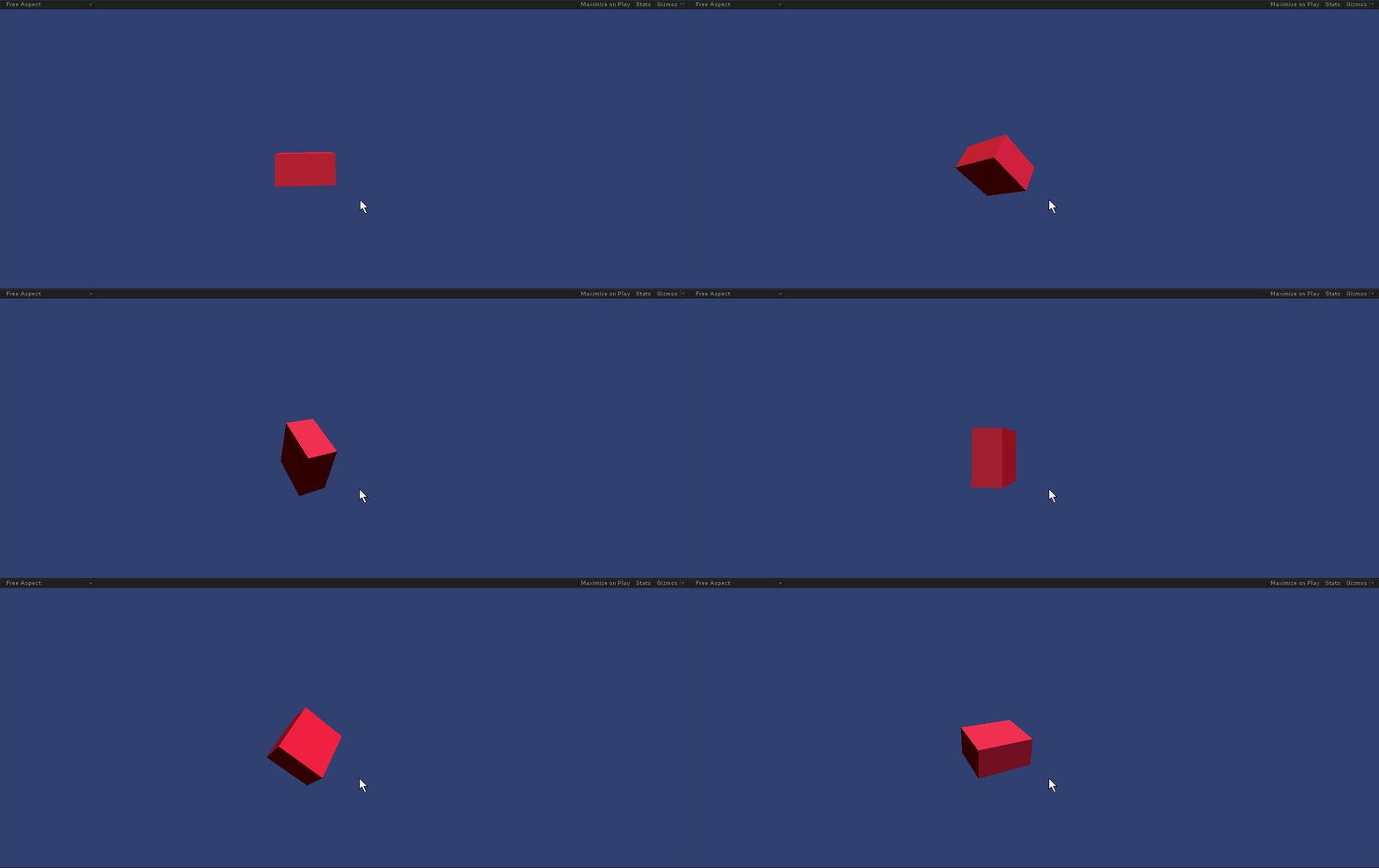
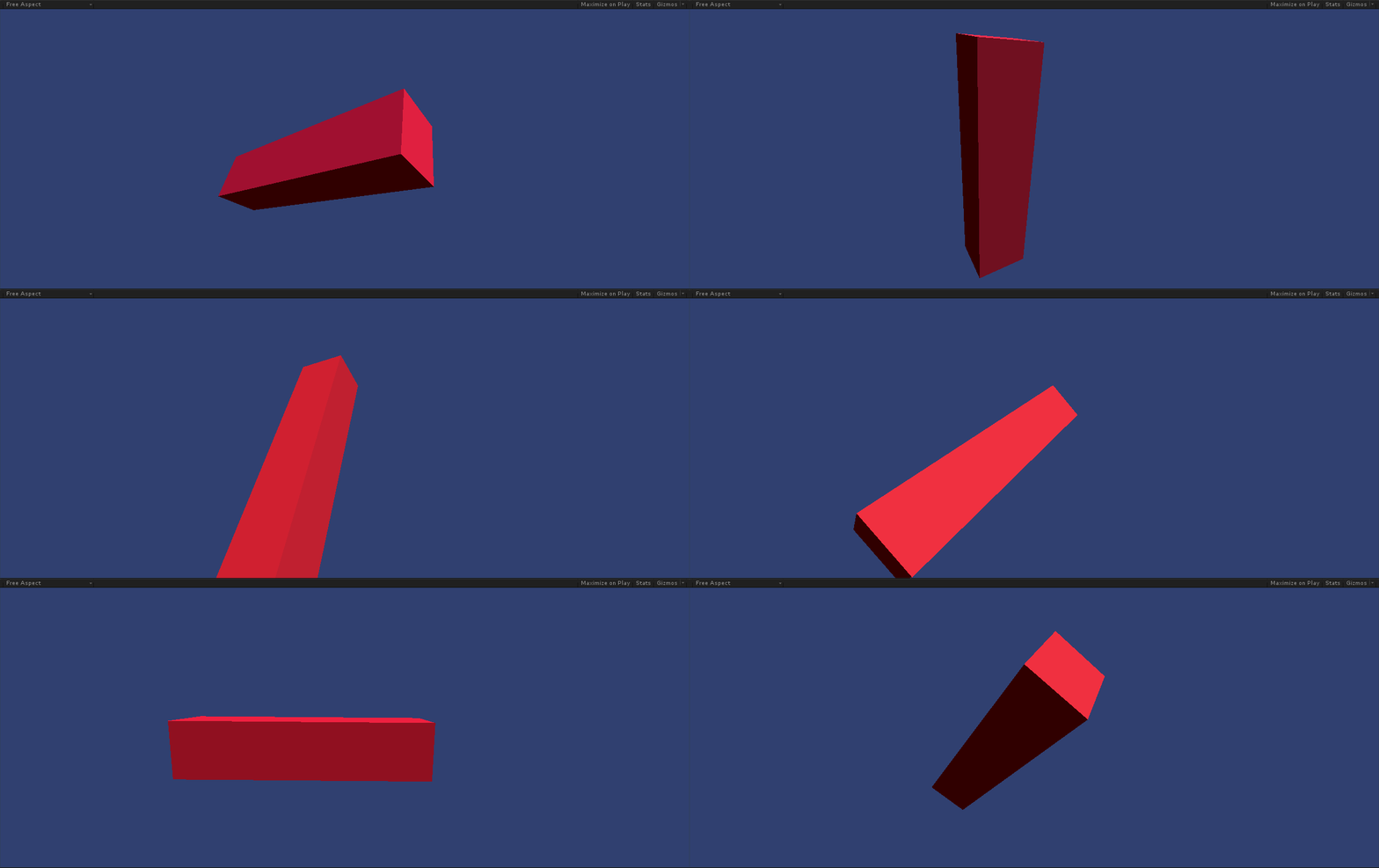
最终效果如图:
以上就是本文的全部内容,希望对大家的学习有所帮助,也希望大家多多支持。
