
 亖呉?盀
亖呉?盀
本文实例为大家分享了unity实现ui元素跟随3d物体的具体代码,供大家参考,具体内容如下
在canvas不同的渲染模式(rendermode)下实现ui跟随3d物体
当canvas.rendermode为screen space-overlay时
利用worldtoscreenpoint(worldpos)将物体的世界坐标转换成屏幕坐标,实时更新ui的坐标:
using unityengine;
using system.collections;

public class followworldobj : monobehaviour {
 [serializefield]
 gameobject worldpos;//3d物体(人物)
 [serializefield]
 recttransform recttrans;//ui元素(如:血条等)
 public vector2 offset;//偏移量

 // update is called once per frame
 void update () {
  vector2 screenpos=camera.main.worldtoscreenpoint(worldpos.transform.position);
  recttrans.position = screenpos + offset;
 }
}
当canvas.rendermode为screen space-camera时
利用recttransformutility.screenpointtolocalpointinrectangle换算出ui元素在canvas的2d坐标:
using unityengine;
using system.collections;
using unityengine.eventsystems;

public class ui_followobj : monobehaviour {
 [serializefield]
 camera ui_camera;//ui相机
 [serializefield]
 recttransform image;//ui元素
 [serializefield]
 gameobject obj;//3d物体
 [serializefield]
 canvas ui_canvas;
 // update is called once per frame
 void update () {
  updatenameposition();
 }
 /// <summary>
 /// 更新image位置
 /// </summary>
 void updatenameposition()
 {
  vector2 mousedown = camera.main.worldtoscreenpoint(obj.transform.position);
  vector2 mouseuguipos = new vector2();
  bool isrect = recttransformutility.screenpointtolocalpointinrectangle(ui_canvas.transform as recttransform, mousedown, ui_camera, out mouseuguipos);
  if (isrect)
  {
   image.anchoredposition = mouseuguipos;
  }
 }
}
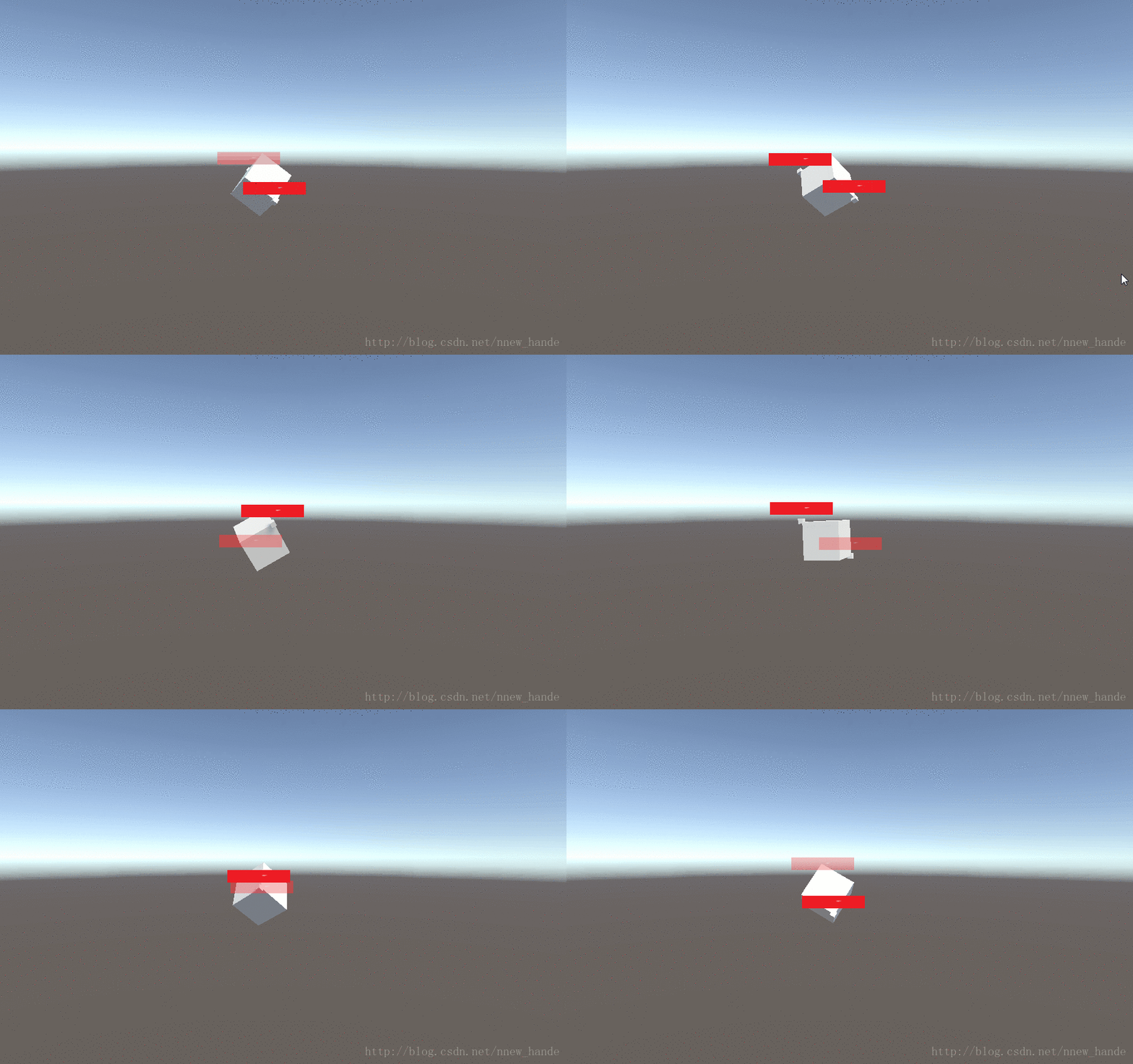
效果如下:
以上就是本文的全部内容,希望对大家的学习有所帮助,也希望大家多多支持。
