
 亿陉
亿陉
做多媒体项目时,经常会最后来个客户签名并保存之类的,签名保存之前的博客unity3d截图方法合集有介绍过了,今天闲着把断笔写字的也贴出来吧,以前用leap motion时尝试用 leap motion演示中的食指写字,当时的写字其实只能一笔画,说白了其实就是个寿命无限长的拖尾,虽然效果不太好,但是很流畅,尝试过用leap motion断笔写字,但是效果不好,很容易误写,然后就产生了此方法,就是鼠标或者触摸屏写字了。
讲一下思路,就是不断的将鼠标的屏幕坐标转换成世界坐标,然后用linerender持续画线,添加到队列中,这样做的好处是可持续撤销误写的笔画,知道全部撤销,重新写。
来来来,鄙人写字很丑,不许笑,先上图:
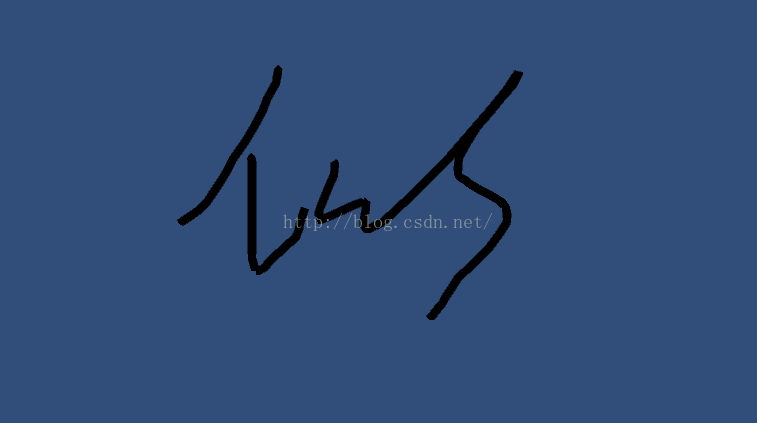
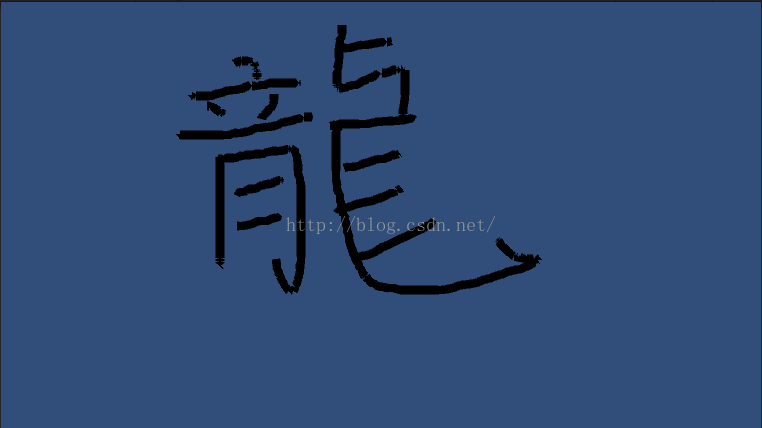
下面言归正传,这个做起来比较简单,一个脚本就能实现了
工程目录图如下:
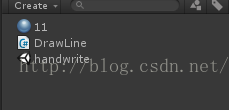
只有一个脚本,一个材质,一个场景就可以了
场景中新建一个linerender和write物体,write物体挂上drawline脚本。
下面重点来了,主要就是这个脚本:
using unityengine;
using system.collections;
using system.collections.generic;

public class drawline : monobehaviour
{
  //线段预制
  [tooltip("line renderer used for the line drawing.")]
  public linerenderer lineprefab;

  //线段相关保存和下标
  private list<gameobject> linesdrawn = new list<gameobject>();
  private linerenderer currentline;
  private int linevertexindex = 2;

  void update()
  {
    //删除最近一笔
    if (input.getkeydown(keycode.u))
    {
      // u-key means undo
      deletelastline();
    }

    if (currentline == null &&
      input.getmousebutton(0))
    {
      // 鼠标按下,开始画线
      currentline = instantiate(lineprefab).getcomponent<linerenderer>();
      currentline.name = "line" + linesdrawn.count;
      currentline.transform.parent = transform;

      vector3 cursorpos = input.mouseposition;
      cursorpos.z = 0f;

      //将鼠标按下的屏幕坐标转换成世界坐标
      vector3 cursorspacepos = camera.main.screentoworldpoint(cursorpos);
      cursorspacepos.z = 0f;
      currentline.setposition(0, cursorspacepos);
      currentline.setposition(1, cursorspacepos);

      linevertexindex = 2;
      linesdrawn.add(currentline.gameobject);

      startcoroutine(drawlines());
    }

    if (currentline != null &&
      input.getmousebuttonup(0))
    {
      // 鼠标左键抬起结束当前笔画
      currentline = null;
    }
  }

  //撤销最后一笔
  public void deletelastline()
  {
    if (linesdrawn.count > 0)
    {
      gameobject golastline = linesdrawn[linesdrawn.count - 1];
      linesdrawn.removeat(linesdrawn.count - 1);
      destroy(golastline);
    }
  }

  //持续画线
  ienumerator drawlines()
  {
    while (input.getmousebutton(0))
    {
      yield return new waitforendofframe();

      if (currentline != null)
      {
        linevertexindex++;
        currentline.setvertexcount(linevertexindex);

        vector3 cursorpos = input.mouseposition;
        cursorpos.z = 0f;

        vector3 cursorspacepos = camera.main.screentoworldpoint(cursorpos);
        cursorspacepos.z = 0f;
        currentline.setposition(linevertexindex - 1, cursorspacepos);
      }
    }
  }
}
挂上脚本,你运行就可以写字了,就这么简单,尝试一下。
谢谢支持!有问题或者代码优化建议欢迎评论。
工程下载
以上就是本文的全部内容,希望对大家的学习有所帮助,也希望大家多多支持。
