
 长存于心中的你
一、动态网络架构
资源
?? ?资源文件识别? ? ??语言识别? ??? 框架识别
?? ?index.php? ? ? ? ? ???开源的php? ??Windows/Linux+nginx+php+mysql
?? ?index.py? ? ? ? ? ? ???开源python?? Windows/Linux+apache+python+mysql
?? ?index.jsp? ? ? ? ? ? ? 商业JAVA? ?? ?windows/Linux+tomcat+JDK+Oracle
?? ?index.asp? ? ? ? ? ???商业c#? ? ? ? ??Windows+iis+asp.net+sql-server/oracle/mogodb
二、LNMP动态网站环境部署
1、LINUX部署
stop firewalld
disable selinux
2、NGINX部署
yum -y install nginx3、php-fpm部署
部署方法
rpm部署:
yum -y install php-fpm php-mysql php-gd
systemctl restart php-fpm
systemctl enable php-fpm
netstat -anpt | grep 9000
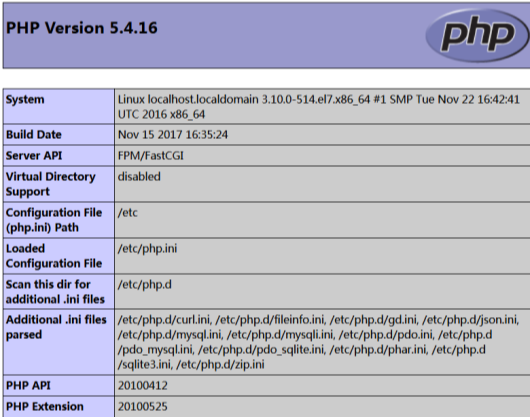
vim /usr/share/nginx/html/index.php  //测试php页面
<?php
phpinfo();
?>
vim /etc/nginx/conf.d/default.conf
//增加PHP主页名称:index.php
server {
location / {
...
index index.php index.html;
...
}
}
vim /etc/nginx/conf.d/default.conf
//启动nginx_fastcgi功能,解除#注释修改路径即可。
server {
location / {
index index.php;
}
location ~ \.php$ {
root /usr/share/nginx/html;
fastcgi_pass 127.0.0.1:9000;
fastcgi_index index.php;
fastcgi_param SCRIPT_FILENAME $document_root$fastcgi_script_name;
include fastcgi_params;
}
}
systemctl restart nginx
?
访问ip查看测试页面
4、mysql部署
rpm部署:
yum -y install mariadb-server mariadb
systemctl start mariadb
systemctl enable mariadb
mysqladmin password '123456'
create database bbs;
 grant all on bbs.* to phptest@'192.168.100.10' identified by '123456';
flush privileges;
vim /usr/share/nginx/html/index.php
	<?php
$link=mysql_connect('192.168.100.10','phptest','123456');
if ($link)
              echo "Successfuly";
else
              echo "Faile";
mysql_close();
?>
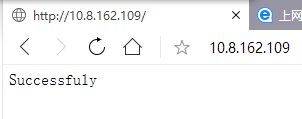
		//修改主页,测试MYSQL的链接状态
	//如果测试为faile,请检查数据库授权结果。
测试结果:?
5、业务上线
购买服务器/云主机
购买域名&IP
上传app?
wget http://www.51sjk.com/Upload/Articles/1/0/256/256608_20210629003600009.zip
unzip wordpress-4.9.1-zh_CN.zip
rm -rf /usr/share/nginx/html/index.php
cp -rf  /root/wordpress/* /usr/share/nginx/html
chown -R nginx.nginx /usr/share/nginx/html/*
chmod 777 /usr/share/nginx/html/
访问ip地址:(就显示安装的页面)
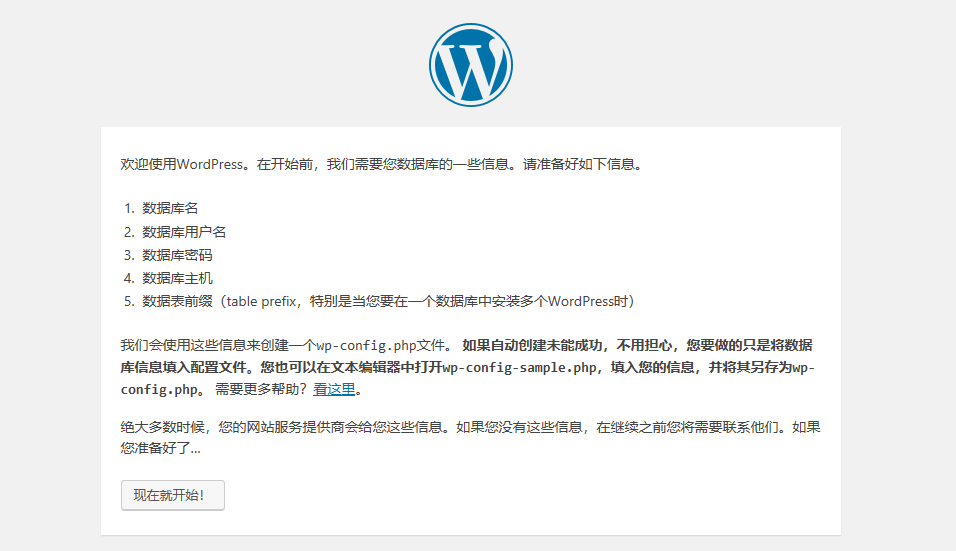
?数据库名称、数据库用户、数据密码必须和前方授权一致。
安装完成:
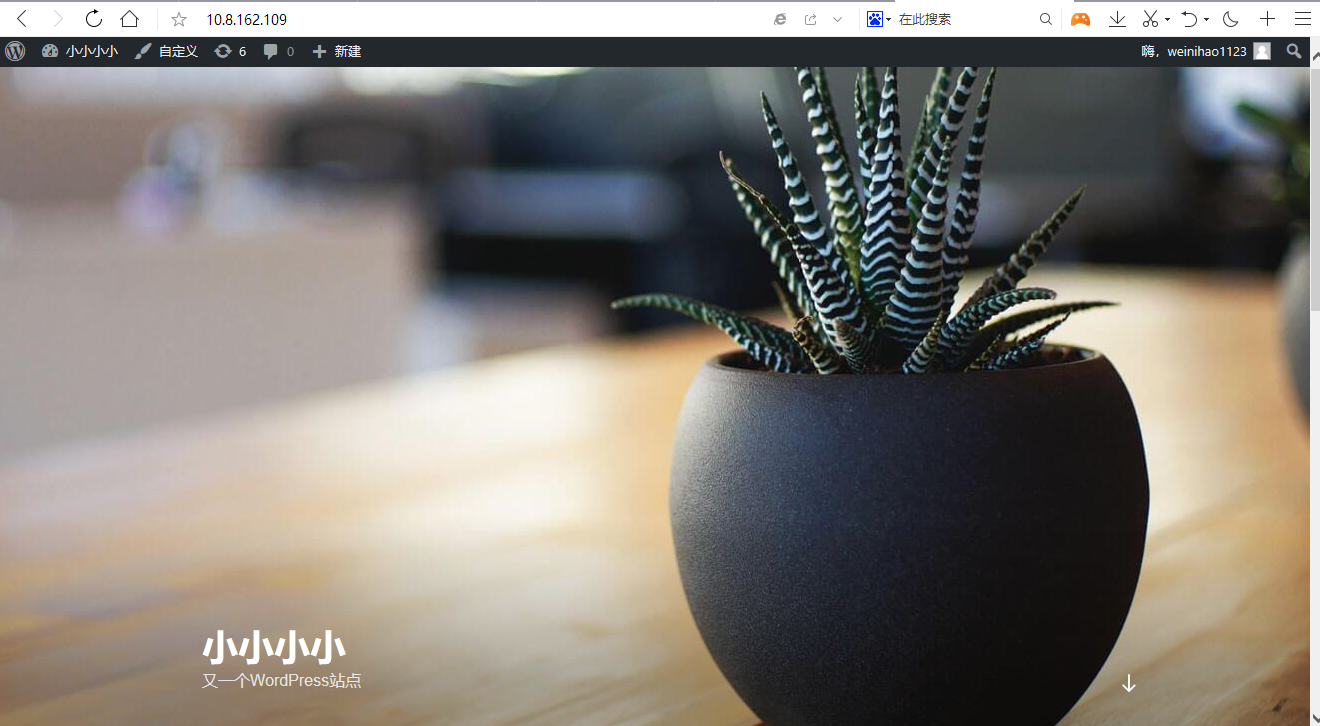
ps:如果出现wp-config.php文件不可写。请手动创建。
?vim /usr/local/nginx/html/wp-config.php
? ? //配置连接数据库,非商业的应用需要手动配置连接数据库
?
