
 深情不及久伴丶厚爱无需多言
今天安装sourcetree一直卡在注册界面,注册并登陆成功后,也无法继续安装
sourcetree跳过注册安装使用
下载链接
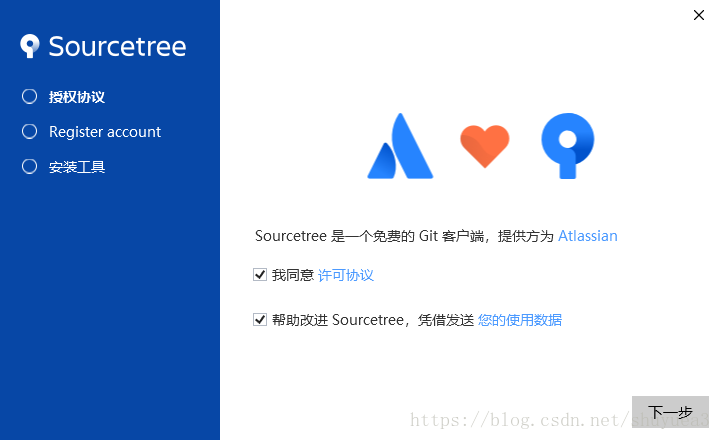
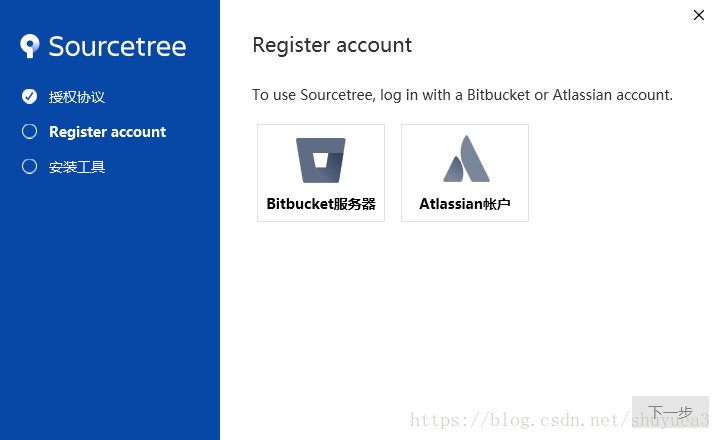
这个时候会要求注册账号,这个时候关掉就可以了
我们进入%localappdata%\atlassian\sourcetree\目录
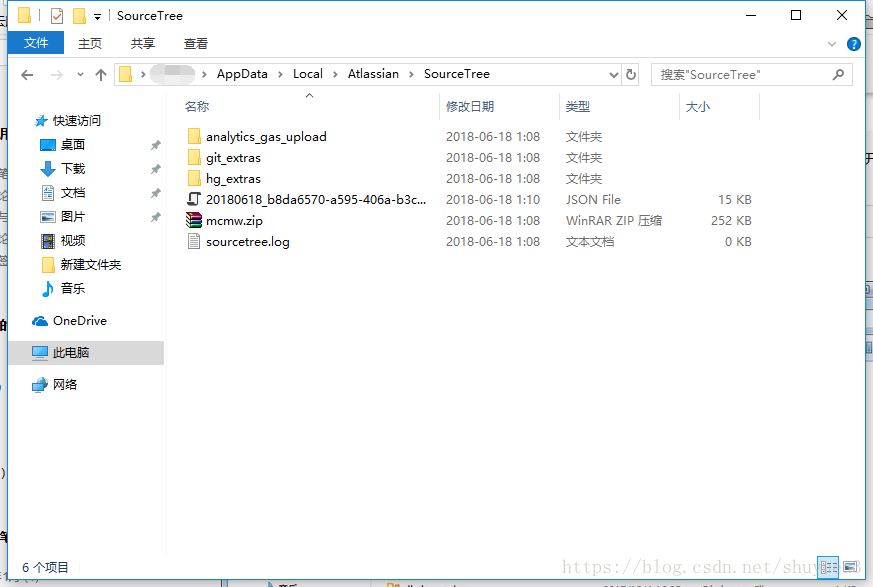
创建一个accounts.json文件,写入以下内容
[
  {
    "$id": "1",
    "$type": "sourcetree.api.host.identity.model.identityaccount, sourcetree.api.host.identity",
    "authenticate": true,
    "hostinstance": {
      "$id": "2",
      "$type": "sourcetree.host.atlassianaccount.atlassianaccountinstance, sourcetree.host.atlassianaccount",
      "host": {
        "$id": "3",
        "$type": "sourcetree.host.atlassianaccount.atlassianaccounthost, sourcetree.host.atlassianaccount",
        "id": "atlassian account"
      },
      "baseurl": "http://www.51sjk.com/Upload/Articles/1/0/260/260423_2021070100375584801.jpg
    },
    "credentials": {
      "$id": "4",
      "$type": "sourcetree.model.basicauthcredentials, sourcetree.api.account",
      "username": "",
      "email": null
    },
    "isdefault": false
  }
]
然后打开sourcetree.exe_url_ul4qrk3hz4zqb14vcaiypmrdv255kkqk\3.3.8.3848\下的user.config文件(不同版本路径有所不同,我的是3.3.8版本),增加如下代码:
<setting name="agreedtoeula" serializeas="string">
    <value>true</value>
</setting>
<setting name="agreedtoeulaversion" serializeas="string">
    <value>20160201</value>
</setting>
然后打开安装好的sourcetree软件
会重新进入到界面
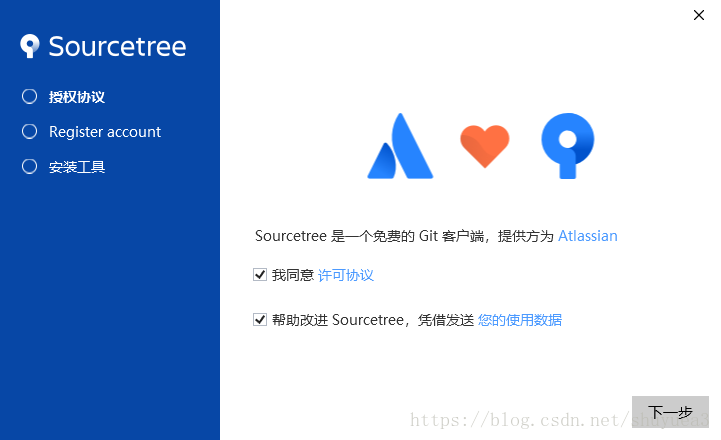
我们直接下一步,会提示我们注册完成了.
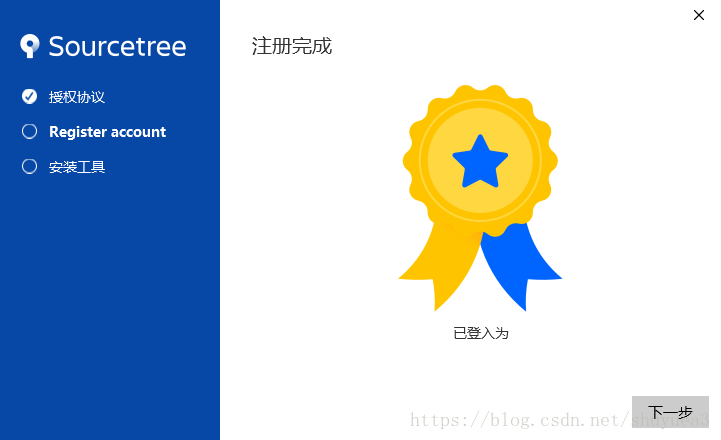
继续下一步,会让你选择用什么git
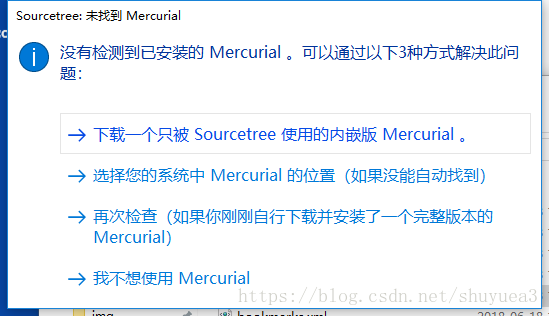
如果使用git客户端,选择我不想使用mercurial即可.
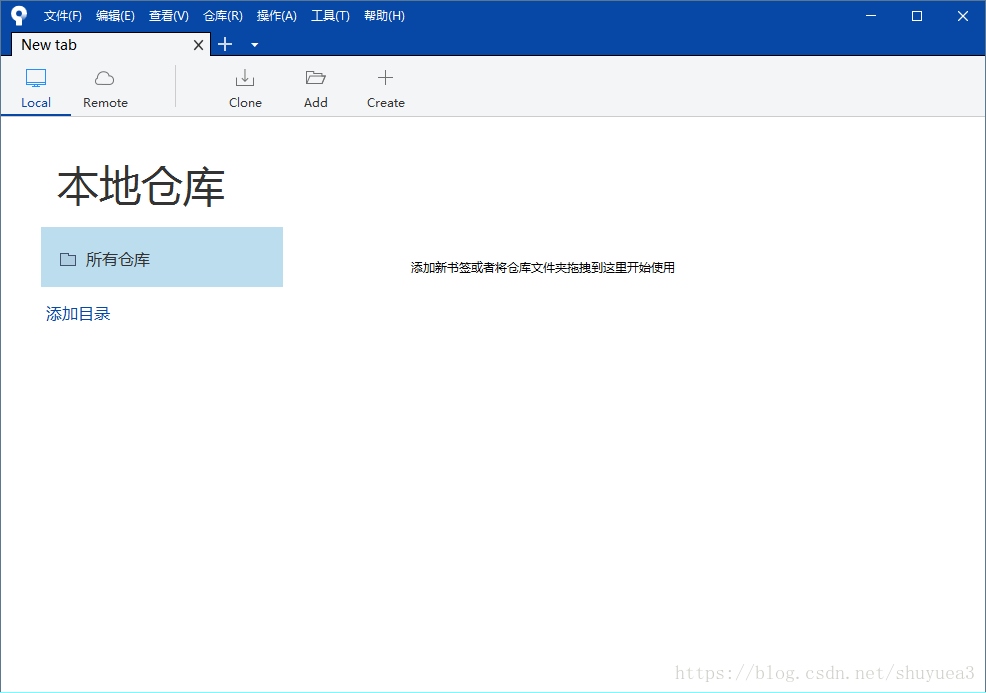
这样就直接安装完成了.
到此这篇关于sourcetree跳过注册安装使用方法的文章就介绍到这了,更多相关sourcetree跳过注册内容请搜索以前的文章或继续浏览下面的相关文章,希望大家以后多多支持!
